
How to check overlapping rental charges on two tickets
By RentalSpend ·
Treat the two tickets as one physical-equipment question. Match the machine, dates, and off-rent proof first, then challenge any overlap that covers the same asset at the same time.
On this page
- Same machine, same dates, but two tickets
- The vendor used a different asset number
- The invoice dates and the job-site records do not line up
- Your AP system already flagged a possible duplicate, but the tickets are not identical
- The supplier says the equipment was never returned or off-rented properly
- How to build the overlap check
- Practical next steps
- Common questions
If the same machine appears on two tickets with different asset numbers, check whether both tickets cover the same physical rental period, not just whether the invoice lines look different. Match the equipment identity you control, the start and stop dates, and the vendor’s off-rent or return confirmation; if the billed periods overlap while the same machine was still on rent, that is the charge to challenge. Different asset numbers alone do not prove a second bill is valid, because they can reflect re-ticketing, a swap, or a vendor setup issue, so verify the contract and field records before accepting or rejecting the charge.[1][2][3][4][5]
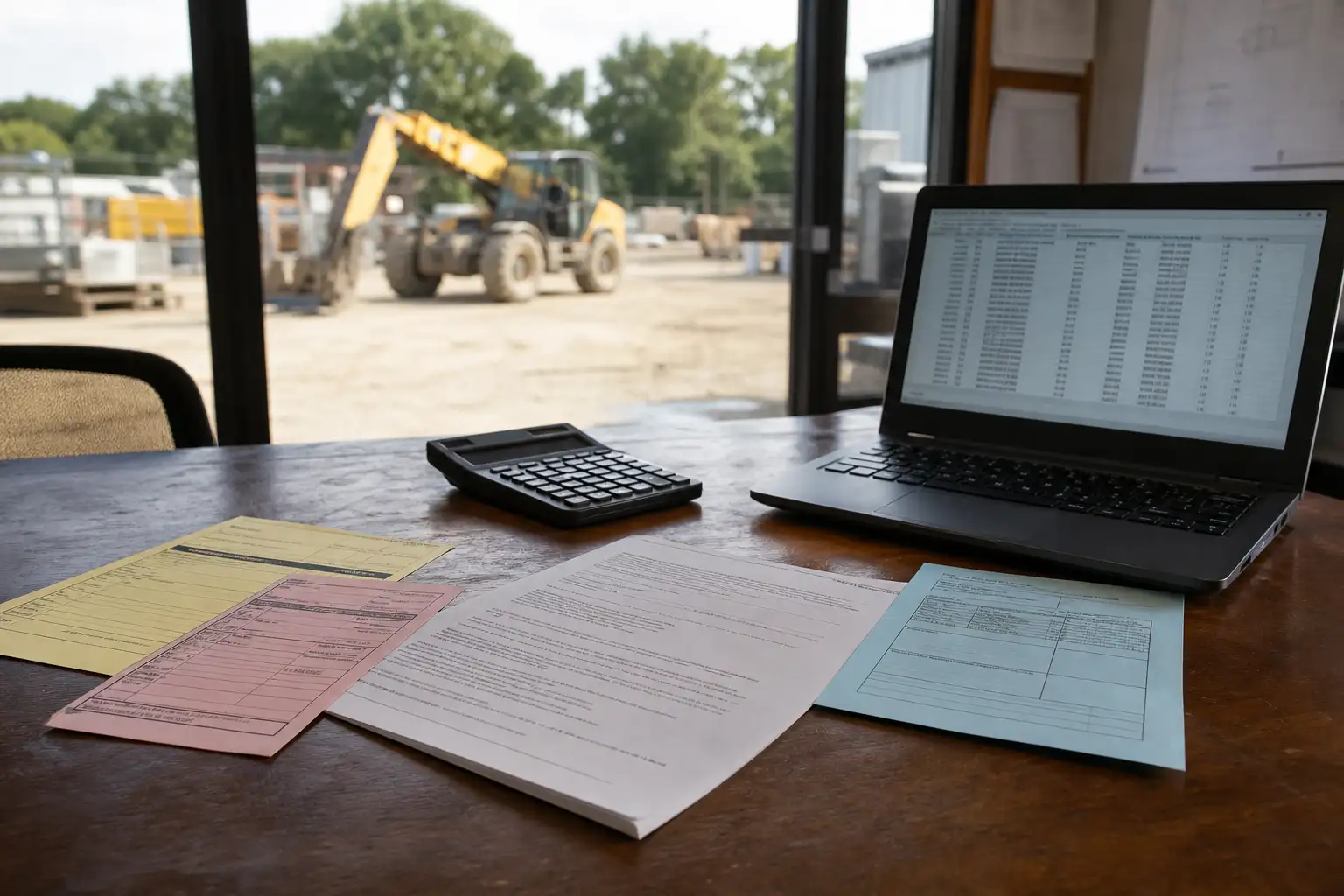
Same machine, same dates, but two tickets
This is the most common overlap pattern. One ticket bills the equipment through one date range, and a second ticket starts before the first ticket has clearly ended. To confirm it, line up the equipment description, serial number or your internal asset identifier, and the daily or weekly rental dates on both tickets. Then compare those dates to the off-rent notice, pickup record, yard return slip, or other proof that the vendor stopped billing on the first ticket.[1][2][3][4][5]
- Confirm whether both tickets refer to the same make/model and, if available, the same serial number or your own asset identifier.
- Compare the billed start and stop dates on both tickets line by line.
- Check whether the vendor recorded an off-rent, pickup, return, or swap date that ends the first ticket.
- Look for a gapless overlap: even one shared day may be valid only if the contract allows it, so check your agreement.
- If the dates overlap but the machine was already returned, the second bill is likely the charge to question.
What to do if it does not match: ask the supplier to show the record that ties each ticket to a specific physical asset and the event that ended billing on the first ticket. If they cannot tie the second ticket to a documented new delivery, swap, or re-rental period, escalate the overlap for credit review. Keep the request factual and date-based rather than arguing from the asset number alone.[1][2][3][4]
The vendor used a different asset number
A different vendor asset number does not, by itself, prove the second charge is valid. Vendors can re-ticket equipment after a branch transfer, a yard move, a swap, a correction, or a master-data change. The important question is whether the second ticket represents a new physical rental period or just a different label for the same unit. Your review should focus on the machine identity and the contract dates, because supplier terms generally tie billing to when equipment leaves possession and ends it on return or confirmed off-rent.[1][2][3][4][5]
- Compare make, model, size, attachments, and serial number if available.
- Check whether the second ticket starts on a delivery date that is later than the first ticket’s return or off-rent date.
- Look for swap paperwork or a delivery ticket that shows one machine leaving and another arriving.
- Ask whether the vendor reissued the same unit under a new internal asset number.
- Verify whether your contract treats return, off-rent confirmation, or another event as the billing cutoff.
If the only difference is the vendor’s internal asset number and the billed dates still overlap, treat it as a review exception until the supplier explains it. If the vendor can show a true swap, then the first ticket should stop at the swap or pickup date and the second ticket should begin only when the replacement equipment was delivered or re-rented. The exact treatment depends on your agreement and the supporting field documents.[1][2][3][4][5]
The invoice dates and the job-site records do not line up
When invoice dates do not match field records, start by deciding which document is supposed to control under your agreement. Many supplier terms say billing runs from equipment leaving the yard until return, off-rent, or confirmed pickup, but your contract may also reference notice methods, minimum days, or special handling for swaps and call-offs. If the invoice says the rental continued after the machine was back at your yard or picked up from the job, the mismatch is a strong sign to request a corrected bill or credit memo.[1][2][3][4][5]
- Pull the rental agreement, rate sheet, ticket, delivery/return slip, and any off-rent confirmation.
- Mark the date and time on each document, not just the invoice period.
- Check whether your team called off the equipment, but the vendor required a confirmed off-rent number before billing stopped.
- Confirm whether the machine was actually on-site for the entire billed period.
- If the records disagree, ask the vendor which document their billing system used and why.
What to do if the records conflict: build a one-line timeline for the unit and send it with your dispute. A simple sequence such as delivery, work period, call-off, pickup, return, and invoice dates often makes the overlap easy to see. Keep the request tied to the exact dates and the machine identity so the supplier can research the ticket history without debating the whole account.[1][2][3][4][5]
Your AP system already flagged a possible duplicate, but the tickets are not identical
Duplicate-payment controls in AP systems often compare supplier, invoice number, date, amount, currency, or similar fields, so two rental tickets for the same machine can slip through if the invoice numbers differ or the amounts are not exact matches. That means you still need a manual overlap check for rental spend. The AP flag tells you two documents may be related; it does not tell you whether the same physical asset was billed twice.[6][7]
| Record | What to match | Why it matters |
|---|---|---|
| Rental agreement | Billing cutoff, return rules, off-rent notice rules | Sets the rule for when charging should stop |
| Invoice or ticket | Equipment description, dates, amount, ticket number | Shows the billed period and how the vendor labeled it |
| Delivery/pickup record | Site, date, time, unit delivered or removed | Proves when the machine actually changed hands |
| Off-rent or return confirmation | Confirmation number, timestamp, location | Often controls the end of billing |
| Your internal asset log | Internal asset ID, job, cost code, equipment manager notes | Helps link vendor records to one physical unit |
If the AP duplicate flag is the only reason you are looking, do not stop there. Confirm the physical unit and the rental end event. If the ticket dates overlap and the same machine was still on rent, the extra charge is worth challenging even if the invoices do not look like a classic duplicate to the system.[1][2][3][4][5][6]
The supplier says the equipment was never returned or off-rented properly
This is often the point where the vendor argues that billing should continue. Supplier terms commonly tie the end of rental to return, pickup, or a confirmed off-rent process, and some terms say the customer remains responsible until the supplier regains full possession. If that is the vendor’s position, verify whether your team actually followed the required return process. If they did, provide the confirmation; if they did not, determine whether the missing step is a process issue rather than a billing error.[1][2][3][4][5]
- Check whether the equipment was physically returned or only reported off rent.
- Look for the supplier’s confirmation number or pickup record.
- Review whether your site followed the contract’s notice method and timing.
- Ask if the vendor is billing beyond the date full possession returned to them.
- Separate a process miss from an overbilling claim: both matter, but they are not the same problem.
If the vendor never received the required return or off-rent notice, they may be within their contract rights to continue billing. If they did receive it and the charge still runs past the confirmed end date, request correction based on the documented event. The key is to prove the stop point with records the contract recognizes.[1][2][3][4][5]
How to build the overlap check
Use a simple three-step review so you can separate true overlaps from paperwork noise.[1][2][3][4][5][6]
- Identify the physical asset. Match make, model, serial number, and your internal equipment ID if you have it.
- Map the timeline. Put the delivery, on-rent, call-off, pickup, return, and off-rent dates in order for both tickets.
- Apply the contract cutoff. Use the billing end rule in your agreement, then decide whether the second ticket starts after the first one ends.
If those three steps show the same unit billed on two tickets for the same time window, ask for a credit or reissue. If the timeline shows a swap or a legitimate second delivery, keep both tickets but make sure the first one stops where the physical custody changed. When the evidence is unclear, send the supplier a narrow dispute package with copies of the relevant records and a short chronology.[1][2][3][4][5]
Practical next steps
- Pull the agreement, both tickets, the delivery/pickup records, and any off-rent confirmation.
- Build a one-line timeline for the unit and mark any overlapping billed dates.
- Ask the supplier to explain the different asset numbers and identify the physical event that ended the first ticket.
- Challenge any bill that continues past the contract cutoff or the documented return/off-rent date.
- Update your internal log so the next invoice review starts with the correct machine identity and stop date.
If you want, RentalSpend can help you organize that review across multiple tickets, but the core check is the same: one physical asset, one timeline, one contract cutoff.[1][2][3][4][5][6]
Common questions
Do different vendor asset numbers automatically mean the second bill is wrong?
No. Different asset numbers can reflect re-ticketing, a swap, a branch transfer, or a vendor data change. Treat it as a review item, then confirm the physical machine and the billing cutoff in your agreement.
What records are most useful for proving an overlap?
The strongest set is the rental agreement, both tickets, delivery and pickup records, off-rent or return confirmation, and your internal asset log. Together they show what machine was on rent and when billing should have stopped.
Which date should control if the ticket and the field record disagree?
Use the cutoff stated in your contract. Many supplier terms tie billing to return, pickup, or off-rent confirmation, but the exact rule can vary by agreement.
What if the equipment was swapped for a replacement unit?
Then the first ticket should usually stop when the original unit left the site or was picked up, and the replacement should begin on the documented delivery date. Verify the swap paperwork and your contract before accepting both charges.
How do I know whether this is a duplicate payment issue or a rental overlap issue?
A duplicate-payment control looks for matching invoice data, while an overlap issue asks whether the same machine was billed for the same time twice. You may have one without the other, so check both the accounting fields and the physical-asset timeline.
What should I send the supplier when I dispute the charge?
Send a short chronology with the contract, the two tickets, the off-rent or return proof, and the dates you believe overlap. Keep the request specific to the unit and the billing window.
RentalSpend checks equipment-rental invoices against your agreed rates. Start a free invoice audit to see what to review on your own invoices.
Start a free invoice auditRelated guides
- Spot duplicate rental charges after an equipment swap
- How to trace rental charges posted to the wrong job or cost code
- Why a weekend or holiday rental charge may be valid or not
- How to spot duplicate rental charges from reissued or corrected tickets
- How to spot overlapping rental charges on the same asset
Sources
- Rental Service Terms - US (English) | United Rentals · United Rentals
- US Rental and Service Terms | Herc Rentals · Herc Rentals
- H&E Equipment Services, Inc. Rental Agreement Terms & Conditions · Herc Rentals / H&E
- Terms & Conditions - United States | Sunbelt Rentals · Sunbelt Rentals
- Frequently Asked Questions (FAQ) | Sunbelt Rentals · Sunbelt Rentals
- How can I find duplicate invoices without considering the invoice number as the only check? · Oracle
- Is Duplicate | SAP Help Portal · SAP
This guide is general information, not legal or accounting advice. Rental terms differ by agreement and supplier; check your own contract and rate sheet.