
How to spot duplicate rental charges on one invoice
By RentalSpend ·
Compare repeated line items against your contract, ticketing, and invoice details. If the same equipment, dates, quantity, and rate appear twice with no separate billing event, hold payment and ask the supplier to explain it.
On this page
The fastest way to find a duplicate rental charge on the same invoice is to compare each repeated line against the same control documents every time: your rental agreement or rate sheet, any PO or release number, the delivery or off-rent ticket, and the invoice line details themselves. If both lines show the same equipment, same billing period or meter period, same quantity, and same unit price, and there is no separate event that explains the second line, treat it as a likely duplicate and hold payment until the supplier confirms it. If one line is really a price correction, proration, freight charge, or other legitimate adjustment, it may look similar but not actually be a duplicate.[1][2][3][4]
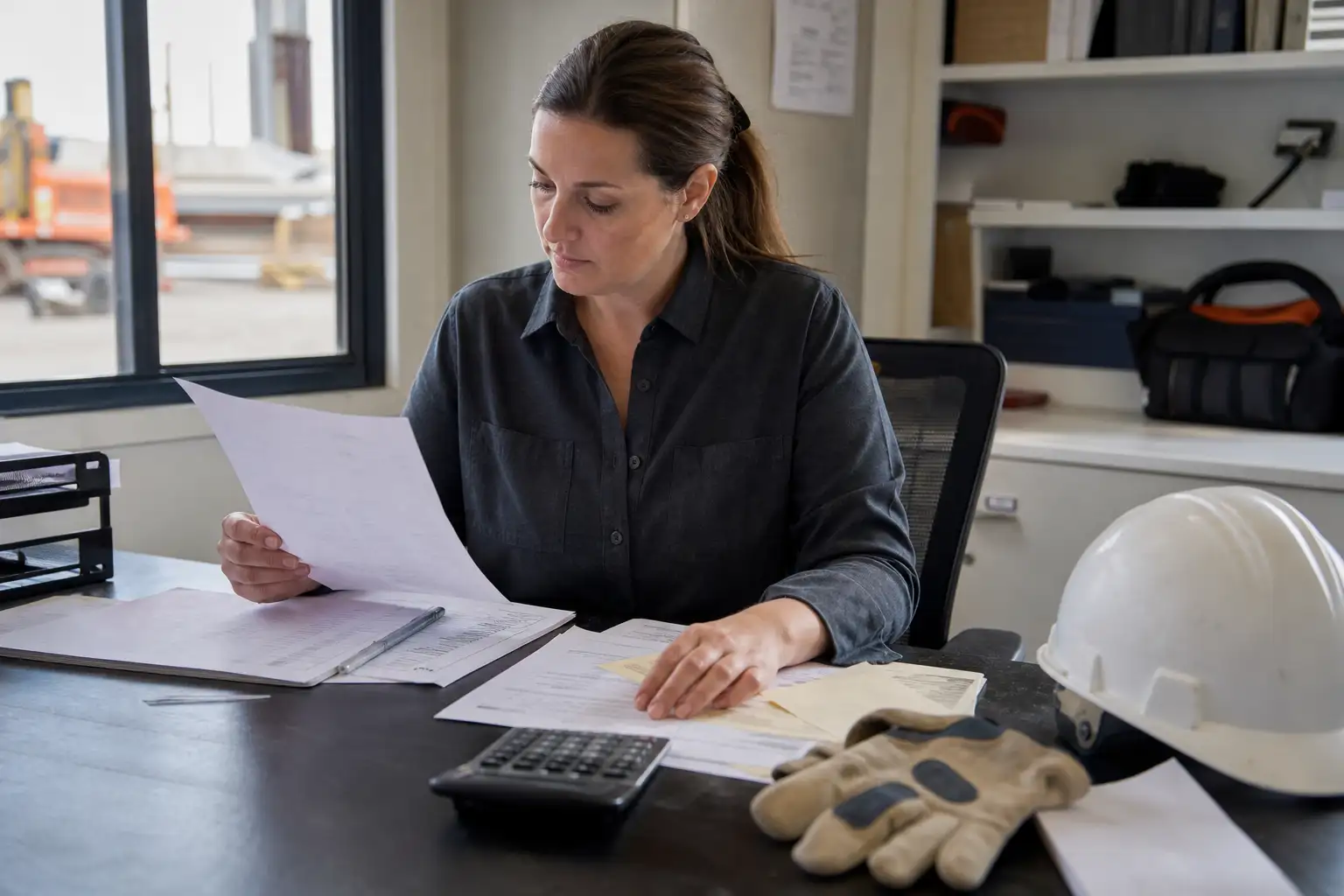
- Match the repeated line to the signed rental agreement, rate sheet, and any PO or release number.
- Check the invoice line fields side by side: description, quantity, unit price, dates, meter hours, and line number.
- Look for a separate billing event that could explain the second line, such as a different rental period, a prorated charge, a transport fee, or a credit/rebill.
- Confirm whether your AP system or ERP already flagged the invoice by supplier, amount, date, currency, or line number, then review the line detail manually before approval.
1. Start with the repeated line itself
Pull the invoice and circle the two lines that look alike. A true duplicate usually repeats the same equipment description, same quantity, same unit rate, and the same billing period. Oracle’s AP guidance shows that invoice lines carry the details used for accounting, and when a line is matched to a purchase order, quantity invoiced multiplied by unit price should equal the amount. That makes line-level comparison the first check, not the invoice total alone.[2][4]
2. Compare the line to the support documents
Next, compare each repeated line to the rental paperwork. Use the agreement or rate sheet to confirm the agreed rate, then check the delivery ticket, off-rent confirmation, meter read, or pickup record to see whether the charge period is real. If the second line has no matching operational event, it is much more likely to be a duplicate. Terms vary by supplier, so rely on your own signed documents rather than assuming every branch bills the same way.[1][6][4][7]
| Check | What to look for | Why it matters |
|---|---|---|
| Description | Same equipment and same service description on both lines | Shows whether the charge is truly repeated |
| Dates or meter period | Same start/stop dates or same hours | Repeated billing period often signals a duplicate |
| Quantity and unit price | Same quantity and same rate on both lines | If both inputs match, the amount will usually match too |
| Supporting ticket | Only one delivery, pickup, or extension record | A second charge needs a real second event |
| Credit or correction reference | Price correction, rebill, or credit memo noted on one line | May explain a similar-looking line that is not a duplicate |
3. Decide whether it is a duplicate or a legitimate second charge
Not every repeated line is wrong. One line may be a base rental and the other a freight, refueling, damage, environmental, or miscellaneous charge. Another common exception is a proration or split allocation across multiple distributions, which Oracle notes can happen when a charge is spread across lines or purchase orders. If the second line has a separate purpose and a supporting record, it may be valid even if the description looks similar.[1][2][7]
4. Use your AP system, but do not rely on it alone
Duplicate-check tools in AP systems are helpful, but they are not enough by themselves. Oracle documents duplicate detection based on combinations such as supplier, invoice type, amount, currency, and date, and audit reports can compare invoice numbers and invoice dates. That means a same-invoice duplicate can still slip through if the lines are entered differently or the system is not configured to catch line-level repeats. Manual review is still necessary when two lines look alike.[3][5][8]
What to do when the line does not match
- Put the invoice on hold before payment if the repeated line has no matching ticket, rate basis, or second billing event.
- Ask the supplier to explain the second line in writing and to point to the invoice number, line number, ticket number, or corrected document.
- If the supplier says it is a correction, request the credit memo, rebill, or revised invoice that supports the change.
- If your contract requires disputes to be raised within a specific window, follow that timeline exactly; the deadline is agreement-specific.
- Update your internal review checklist so the same missing document does not get missed on the next invoice.
Practical next steps: build a one-page review routine for rental invoices that always checks the repeated line, the rate sheet, the ticket, and the billing period. If your team handles a high volume of rental spend, standardize the same four fields in AP so duplicate lines are easier to spot before payment.[2][3][4]
Common questions
What fields matter most when two rental lines look the same?
Start with description, quantity, unit price, and billing period or meter dates. If those match and there is only one operational event behind the charge, the second line deserves a hold and review.
Can a repeated line be legitimate?
Yes. It can be a prorated allocation, a freight or fuel-related charge, or a correction and rebill. Check the support documents before calling it a duplicate.
Should I rely on the invoice total to find duplicates?
No. The total can look normal even when one line is repeated. Line-level review is more reliable for rental invoices.
What if our AP system did not flag the invoice?
Review it manually against your agreement, ticketing, and receipt records. AP controls often look at invoice-level fields, so line-level duplicates can still pass through.
What should I ask the supplier when I suspect a duplicate?
Ask them to identify the second billing event, correction, or ticket that supports the extra line. If they cannot, request a revised invoice or credit.
RentalSpend checks equipment-rental invoices against your agreed rates. Start a free invoice audit to see what to review on your own invoices.
Start a free invoice auditRelated guides
- Troubleshooting a rental invoice when the branch rate sheet looks wrong
- How to trace rental charges posted to the wrong job or cost code
- How to spot the same rental billed twice on separate invoices
- Rental invoice match failures: common causes and fixes
- Use One Missing-Information Request to Cut Rental Invoice Back-and-Forth
Sources
- US Rental and Service Terms | Herc Rentals · Herc Rentals
- Invoice Open Interface Table AP_INVOICE_LINES_INTERFACE · Oracle
- How can I find duplicate invoices without considering the invoice number as the only check? · Oracle
- Oracle Payables User's Guide · Oracle
- Invoice Audit Report · Oracle
- Standard Credit Application 4-2026 · Herc Rentals
- Matching Invoice Lines · Oracle
- Overview of Payables Invoice Audit Listing · Oracle
This guide is general information, not legal or accounting advice. Rental terms differ by agreement and supplier; check your own contract and rate sheet.