
How to tell if a rental invoice includes an unauthorized rate increase
By RentalSpend ·
Check the signed agreement, rate sheet, and billing dates before you accept a higher rental rate. If the supplier cannot tie the increase to a contract term, written notice, or a signed change, it is usually a dispute item.
On this page
- Rate changed on the invoice, but the contract is unclear
- The invoice rate is higher, but there is no written notice or approval
- The rate increase appears only after a holdover, extension, or missed off-rent date
- The increase may be part of a different fee, not the base rent
- The supplier says the increase is valid, but your dispute window is short
- What to do when the invoice does not match the contract
- Practical next steps
- Common questions
To check whether a rental invoice used a rate increase that was not in your contract, compare the invoice to the signed agreement, the applicable rate sheet, and any written change notice for that exact rental period; do not compare it to a memory of the rate or to a current public price sheet. If the invoice shows a higher rate, you need to confirm that the contract allowed the change, that the supplier gave any required written notice, and that the increase became effective before the billed period began. If you cannot find that support, treat the line as a dispute item and request a credit in writing.[1][2][3]
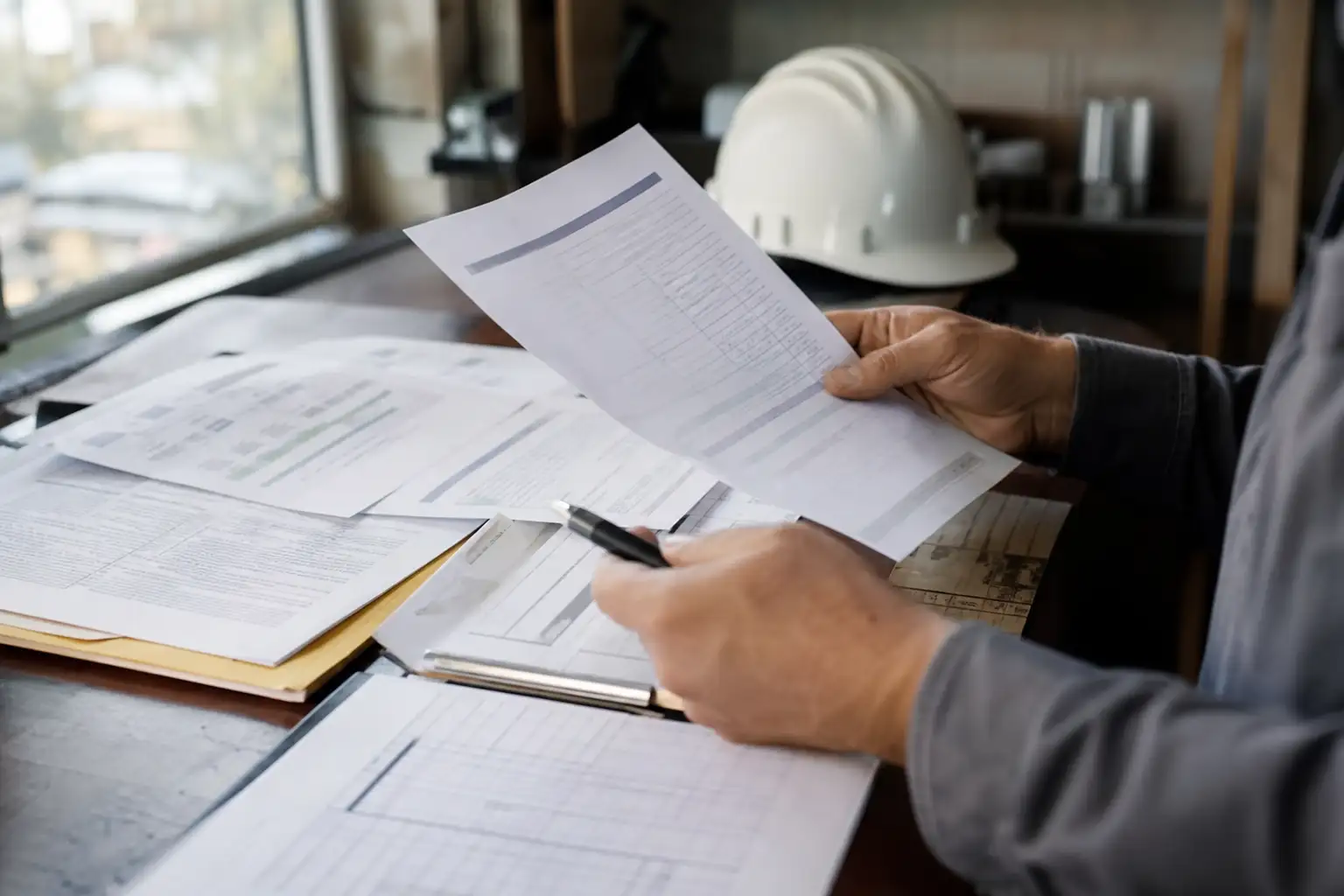
Rate changed on the invoice, but the contract is unclear
Start by identifying which document controls that rental. In many cases, the invoice is only a bill; the governing terms may be in a master rental agreement, signed order form, project quote, or rate sheet attached to the rental. Check whether those documents identify the equipment, the billing unit, and the rate in effect for the delivery date and any later renewal or holdover period. If the contract package includes multiple versions, use the one that was signed or otherwise accepted for that specific rental, not a later revision.[1][2][3]
- Find the signed rental agreement or order form tied to the equipment number or customer PO.
- Locate the rate sheet or quote version that was in force when the equipment went out.
- Confirm whether the agreement says the rate can change after a certain period, on renewal, or after the initial term ends.
- Check whether the invoice date, rental start date, and off-rent or pickup date fall within the same billing period.
- If there is more than one possible governing document, see which one the contract says controls when terms conflict.
A higher billed rate is not automatically wrong. Some supplier terms allow rate changes after the initial rental period, after a defined holdover period, or for rental periods longer than a stated number of weeks. The key question is whether the increase fits the contract language for that specific rental and billing window.[1][3][4]
The invoice rate is higher, but there is no written notice or approval
If the contract requires written notice, a signed amendment, or another form of approval before a rate can change, look for that record before you pay the higher amount. Check email approvals, portal notices, change orders, updated rate sheets, and any revised agreement attached to the account. If the supplier’s terms say a notice must be sent a certain number of days before the change, verify the notice date against the first billed date at the new rate.[3][1][2]
- Look for a written notice that names the customer account, the equipment, or the affected rental program.
- Confirm the notice date is earlier than the first invoice period billed at the higher rate.
- Check whether the notice applies only to future periods, the remaining portion of the rental, or a renewal after the initial term.
- Verify the notice was sent in the manner your contract requires, such as email, portal posting, or written letter.
- If no notice exists, ask the supplier to identify the exact clause that authorizes the higher rate.
For longer rentals, some supplier terms say rates are subject to change only after written notice and only for the remaining portion of the rental. That means a rate increase may be valid for a later period even if the earlier period should still be billed at the original rate. If the invoice bundles both periods together, separate them before deciding whether the increase is supported.[3][1]
The rate increase appears only after a holdover, extension, or missed off-rent date
A common source of confusion is the difference between a true rate increase and a new billing period caused by the equipment staying on rent longer than planned. Check off-rent confirmations, pickup tickets, return records, gate logs, and internal site records to confirm when the equipment actually left the job. If the supplier billed the higher rate only after the agreed rental term expired, that may be permitted if the contract says holdover or renewal rates apply after the initial period.[1][2][4]
| Document | What it tells you | What to look for |
|---|---|---|
| Signed rental agreement or order | The controlling rate structure | The exact rate, rental period, and any holdover or renewal language |
| Rate sheet or quote | The price version tied to the rental | Whether the listed rate matches the billed period and equipment |
| Invoice | What was actually billed | The unit rate, dates, billing frequency, and any added fee labels |
| Off-rent or pickup record | When billing should stop or change | Whether the equipment was still on rent when the higher rate began |
| Written notice or amendment | Whether a rate change was authorized | The effective date and whether it covers the billed period |
If the equipment stayed out past the agreed return date, some contracts allow the supplier to continue billing the applicable rate, and some allow an increased rate for the later period. Your job is to see which one applies. Do not assume the increased rate is valid just because the equipment was still on site; the contract still has to support the new billing amount.[1][2][4]
The increase may be part of a different fee, not the base rent
Sometimes what looks like a rate increase is actually a different billing item. Check whether the invoice separated base rent from delivery, pickup, damage waiver, fuel, environmental, tax, late fee, or administrative charges. A late payment fee, for example, is different from a rental rate increase and should be tested against the invoice terms and payment timing, not against the rental rate itself.[3][2]
- Compare the base rental line before and after the increase to see whether only one line changed.
- Check whether a new fee code, surcharge, or service charge was added instead of the rent rate.
- Review whether the invoice changed from daily to weekly, weekly to 4-week, or 4-week to monthly billing.
- Confirm that any late fee or penalty is authorized separately from the rental rate.
- Ask the supplier to explain the billing method in writing if the line item description is unclear.
If the supplier used a different billing unit, the math can change even when the underlying rate did not. Make sure you are comparing like to like: same equipment, same unit of measure, same rental period, and same contractual version.[1][2]
The supplier says the increase is valid, but your dispute window is short
Many agreements require disputed amounts to be raised quickly and in writing. If your contract sets a deadline, follow it exactly and send the dispute as soon as the issue is identified. Include the invoice, the governing agreement, the rate sheet, the off-rent or pickup proof, and the written notice record, and state the amount you believe should be credited. If the supplier’s terms say failure to dispute within the window waives the issue, missing that deadline can weaken your position even when the rate increase looks unsupported.[2]
What to do when the invoice does not match the contract
If the invoice rate is higher than the contract rate and you cannot document a written notice, signed amendment, or contract clause that allows it, dispute the line in writing before the deadline in your agreement. Keep the message specific: identify the invoice number, the equipment, the billed dates, the contract or rate sheet version, and the amount that should be removed or credited. Ask the supplier to show the exact authority for the increase, not just a revised invoice.[1][2][3]
- Freeze approval of the disputed line while the review is open, if your internal controls allow it.
- Attach the signed agreement, rate sheet, invoice, and off-rent or pickup proof to the dispute.
- Ask for a corrected invoice or credit memo that restores the contract rate.
- Track the issue in AP or procurement so the same rate change is not paid on later invoices.
- If the supplier’s answer is only a current rate sheet or a verbal explanation, request written support tied to your account and billing period.
The practical test is simple: if the contract package and timing support the higher rate, pay it; if they do not, dispute it. Keep each rental file complete so future invoices can be checked faster, especially when the same equipment stays on rent across several billing periods.[1][2][3]
Practical next steps
- Pull the signed agreement, rate sheet, invoice, and off-rent or pickup record for the rental.
- Mark the first billing period that shows the higher rate and check whether a written notice or amendment predates it.
- Compare the invoice line by line with the contract terms to see whether the change is a rate increase, a holdover rate, or a separate fee.
- If the increase is not authorized, send a written dispute before your contract deadline and request a credit or corrected invoice.
Common questions
What if the supplier says the rate sheet was updated after I placed the order?
Check whether your agreement allows unilateral updates and whether the update was effective before the billed period began. If the contract required notice or a signed change, the supplier should be able to show that record for your account.
Should I compare the invoice to the supplier’s website rate sheet?
No. Compare it to the rate sheet, quote, order, or agreement that actually governed your rental. A website price is not the same thing as a binding contract term unless your documents say it is.
How do I tell a rate increase from a holdover charge?
A holdover charge usually starts after the agreed return date or rental term ends, while a rate increase changes the price for the same billing period or for later periods. Review the off-rent date, pickup record, and the contract language on renewal or holdover.
What records matter most in a dispute?
The most useful records are the signed agreement, the applicable rate sheet, the invoice, the off-rent or pickup proof, and any written notice or amendment that the supplier says authorized the change.
Can a higher rate be valid even if I never approved it internally?
Possibly, if your company’s internal approval did not control the supplier relationship and the contract allowed the change. But if the supplier needed your written approval or a signed amendment and it is missing, that supports a dispute.
RentalSpend checks equipment-rental invoices against your agreed rates. Start a free invoice audit to see what to review on your own invoices.
Start a free invoice auditRelated guides
Sources
- Rental Service Terms - US (English) · United Rentals
- Terms & Conditions - United States · Sunbelt Rentals
- US Rental and Service Terms · Herc Rentals
- RENTAL AND SERVICES CONTRACT - TERMS AND CONDITIONS · Waller County, Texas document repository
This guide is general information, not legal or accounting advice. Rental terms differ by agreement and supplier; check your own contract and rate sheet.