
How to verify all agreed equipment classes and attachments are on a rental agreement
By RentalSpend ·
Check the signed rental agreement against your quote, reservation, delivery record, and invoice line by line. Look for the exact class codes, sizes, and attachments you expected, because those items may be listed separately or omitted entirely.
On this page
To check whether your rental agreement includes all agreed equipment classes and attachments, compare the signed rental contract or reservation details to your request, quote, delivery record, and invoice line by line. The signed rental document should identify the exact equipment being rented and the rates for it, and attachments may be included with the equipment or billed as separate items depending on the supplier’s agreement, so you need to verify the class code, size, and attachment status before you approve payment.[1][2]
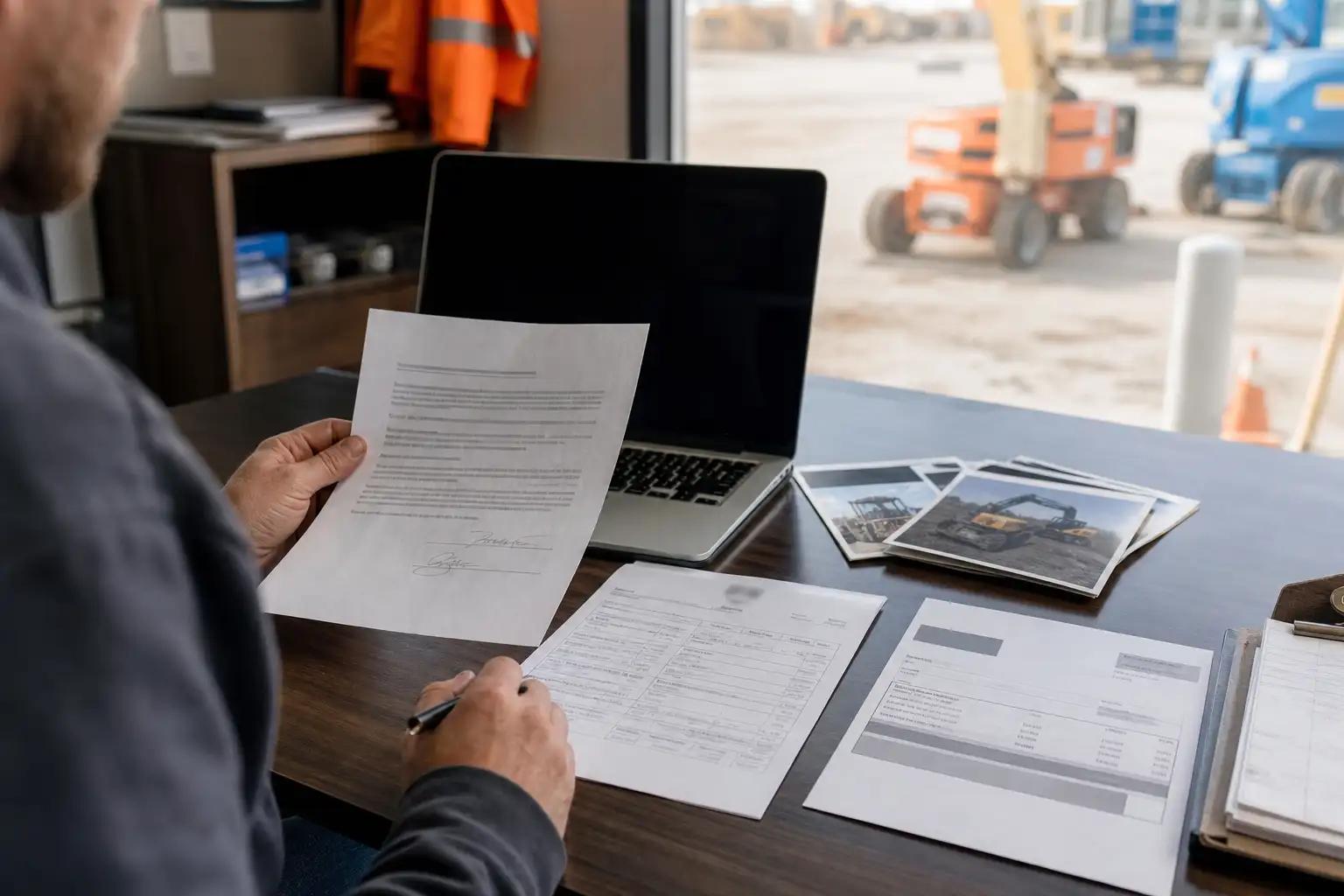
- Start with the signed rental contract or reservation details and identify every equipment class, size, and attachment that was supposed to be rented.
- Match each agreed item to the quote or reservation, then to the delivery ticket or off-rent confirmation if you have it, and finally to the invoice.
- Confirm whether each attachment is included in the equipment definition or listed as a separate rental line with its own class code and rate.
- If anything is missing, replaced, or coded differently, hold the invoice line for review and ask the supplier to correct the contract or issue a credit memo before approval.
Start with the controlling document
The first question is simple: what document controls what was rented and what you agreed to pay? In many supplier workflows, that is the signed rental contract or rental and service agreement. Sunbelt says the rental contract is the document in which it agrees to rent specific equipment and the listed price controls, and United Rentals’ terms say the rental and service agreement identifies the equipment to be rented. If your team works from a quote or reservation, use those as support, but do not treat them as proof by themselves unless your supplier’s contract says they are binding.[1][2]
For AP or project accounting, the key point is that the contract should not just say that you rented an excavator, forklift, or telehandler. It should show enough detail to confirm the exact class or size you expected, and it should show the rate basis for that item. Sunbelt’s FAQ says the contract shows day, week, and 4-week rates for each piece of tool and equipment, which is the kind of detail you want to see when you are checking whether the invoice matches the agreement.[1]
Match the equipment class, size, and rate basis
Equipment class mismatches often hide in plain sight. A machine may look right on a jobsite, but the agreement can still be off if the class code, capacity, or size is different from what was ordered. Compare the exact wording on the contract, reservation, and invoice. If your supplier uses catalog class codes, verify that the same code or an equivalent contracted description appears on the signed document, not just on the public product page. Sunbelt’s catalog pages show CAT CLASS identifiers, but catalog pages are not the same as the signed agreement.[3]
| What to compare | What should match | What to do if it does not |
|---|---|---|
| Equipment description | Machine type, size, and class | Hold the line and ask for correction or updated paperwork |
| Rate basis | Day, week, 4-week, or monthly rate shown on the contract | Confirm the billing period and ask for a revised invoice if needed |
| Class code | The code on the quote, reservation, and invoice | Ask whether the code was changed at dispatch or on the invoice |
| Delivery location and dates | Same jobsite and rental period across records | Check whether a transfer, extension, or late return caused the difference |
Check how attachments are treated
Attachments are where many review mistakes happen because they are not always handled the same way. Under United Rentals’ US terms, the word Equipment can include accessories and attachments delivered to the customer, which means some items may be treated as part of the base rental in that supplier’s agreement. At the same time, Sunbelt’s catalog shows separate accessory and attachment pages with their own CAT CLASS entries, which shows that other items may be billed as distinct rental lines. That is why you should not assume every attachment is automatically included in the machine rate.[2][4][5][6][7]
Check each attachment one by one. Ask whether it was supposed to be included with the base unit, added at no charge, or billed separately. Then look for one of three things on the contract: the attachment named on the same line as the base machine, its own line with its own class code, or no mention of it at all. If it is missing from the contract but appears on the invoice, that is a review item. If it appears in the catalog but not in the signed agreement, the catalog alone is not enough to support payment.[2][3][4][5][6][7]
What to do when the records do not match
When something does not line up, treat it as a document-control issue first, not just an invoice problem. Common reasons include a reserved item being swapped at dispatch, an attachment added after the original quote, a field note that never made it into the contract, or an invoice coded from the wrong class. Your job is to trace where the mismatch started and make the record set consistent before approval.[1][2]
- Missing attachment on the contract but present on the invoice: ask for the signed change order, revised rental agreement, or dispatch record that authorizes it.
- Wrong class or size on the invoice: compare the delivery ticket and equipment serial or unit identification, then request a corrected invoice if the supplier billed the wrong item.
- Attachment listed separately when you expected it included: check the contract language and rate sheet, because many agreements treat attachments differently.
- Catalog item used as proof instead of the signed agreement: replace it with the actual contract or reservation details before you post the charge.
A simple review workflow for AP and project teams
A short, repeatable workflow is usually enough for this check. Start with the signed rental agreement, then compare it to the request or quote, the delivery record, and the invoice. If your company uses accounting codes or project numbers, confirm those too so the charge lands on the right job and the right cost bucket. This keeps you from approving a machine rental while overlooking a separate attachment charge that should have been pre-approved or disputed.[1][2]
- Pull the signed agreement and the original request or quote for the same rental.
- Highlight every machine, class code, size, and attachment expected for the job.
- Match those items to the delivery record and invoice lines.
- Flag anything that is added, missing, swapped, or priced differently.
- Resolve the mismatch with the supplier before approval, using the contract, revised paperwork, or a credit memo as support.
Practical next steps
For the next invoice cycle, keep one review file per rental that includes the signed agreement, quote or reservation, delivery ticket or off-rent record, and the invoice. Use the same checklist every time: exact class, exact size, attachment treatment, rate basis, and date range. If the supplier’s paperwork is unclear, ask for the corrected contract or supporting documentation before you approve the charge. Over time, that habit makes it easier to spot missing attachments, duplicate billing, and class-code errors without re-reading the whole packet every time.[1][2][3][4][5][6]
If you want the cleanest review, compare the paperwork before the invoice is posted and require every attachment charge to tie back to a signed agreement, a revised order, or another document your supplier recognizes as controlling. Terms vary by supplier, so check your own contract and rate sheet for the exact rules that apply to your rentals.[1][2]
Common questions
Should I rely on the catalog page to confirm an attachment is included?
No. Catalog pages help you identify the item and class code, but the signed rental agreement controls what was rented and how it should be billed. Use the catalog only as support unless your contract says otherwise.
What if the attachment is mentioned in the quote but not on the signed agreement?
Treat the signed agreement as the key document unless your supplier’s terms say the quote is binding. If the attachment is missing from the signed paperwork, ask for a revised agreement or other authorization before payment.
How do I know whether an attachment should be separate from the base unit?
Check the supplier’s contract language and rate sheet. Some agreements include accessories or attachments with the equipment, while others list them as separate rental items with their own class code and rate.
What records are most useful when the invoice does not match the agreement?
The signed contract, reservation details, delivery ticket or proof of delivery, off-rent confirmation, and any change order or credit memo are the most useful records to compare.
What should I do if the class code on the invoice is different from the contract?
Pause approval, confirm whether the machine was swapped or upgraded, and ask for corrected paperwork if the billed class does not match the signed agreement.
RentalSpend checks equipment-rental invoices against your agreed rates. Start a free invoice audit to see what to review on your own invoices.
Start a free invoice auditRelated guides
- Which equipment classes are overpriced before rate negotiation
- Keeping Equipment-Rental Rate Sheets Current by Branch and Class Code
- How to Maintain a Master Equipment-Rental Rate Sheet by Vendor, Region, and Class
- Compare ownership cost and rental cost for one equipment class
- Which equipment classes to review for buy-versus-rent decisions
Sources
- Frequently Asked Questions (FAQ) | Sunbelt Rentals · Sunbelt Rentals
- Rental Service Terms - US (English) | United Rentals · United Rentals
- Equipment and Tools | Sunbelt Rentals · Sunbelt Rentals
- Forklift Accessory Rentals | Sunbelt Rentals · Sunbelt Rentals
- Duct Jack Boom Attachment | Sunbelt Rentals · Sunbelt Rentals
- Rock Bucket 42" For Excavator | Sunbelt Rentals · Sunbelt Rentals
- Hydraulic Hammer for 80K and Above Excavators Rental | Sunbelt Rentals · Sunbelt Rentals
This guide is general information, not legal or accounting advice. Rental terms differ by agreement and supplier; check your own contract and rate sheet.