
Troubleshooting rentals that stayed on site after a shutdown
By RentalSpend ·
If a rental kept billing after a planned shutdown, check the shutdown end date, the supplier’s return/off-rent rule, and the billed-through date. If there is no off-rent notice, pickup record, or written extension, flag the line for review.
On this page
- Symptom: the invoice keeps billing after the planned shutdown ended
- Symptom: the equipment was idle on site, but no off-rent record exists
- Symptom: the rental was extended in the field, but AP has no written backup
- Symptom: weekend or holiday charges make the line look wrong
- Symptom: the invoice mixes rental time with other charges
- How to confirm whether a line should have stopped
- What to do when a line does not match
- Common questions
To find rentals that stayed on site during a planned shutdown and should have been returned, compare the shutdown end date, the supplier’s stop-billing rule, and the invoice’s billed-through date for each line. If the equipment was still on site after work stopped and you cannot find a documented off-rent notice, pickup confirmation, return receipt, or written extension, the line should be flagged for review before payment. Terms vary by supplier, so use each contract and rate sheet as the deciding record.[1][2][3][4][5]
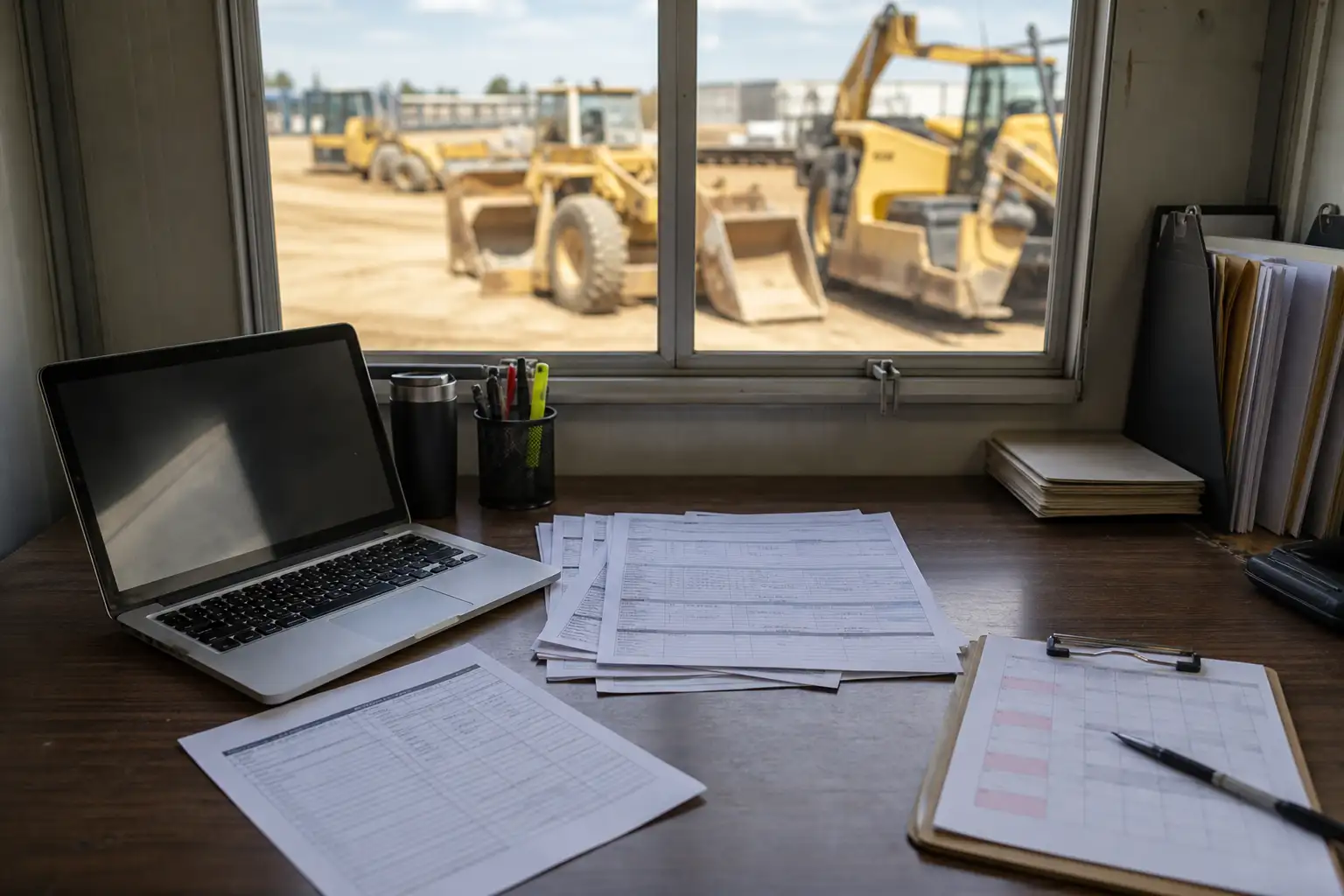
Symptom: the invoice keeps billing after the planned shutdown ended
This is the most common sign that a rental may have stayed open longer than intended. First, find the last day the work was supposed to stop. Then compare that date with the supplier’s billing rule and the invoice’s billed-through date. Many agreements do not stop charges just because a project pauses; charges stop only when the equipment is returned, picked up, or properly called off rent under the supplier’s process. United says charges end when equipment is returned to the store during regular business hours or picked up after the customer notifies United the equipment is off rent and gets an off-rent confirmation number. Sunbelt says rental charges accrue on Saturdays, Sundays, and holidays, and the rental period continues until return or pickup.[1][3][4]
- Pull the shutdown plan, outage notice, or field schedule and note the actual stop date for each site or area.
- Match each rental line to the date range on the invoice and identify lines billed beyond the shutdown date.
- Look for an off-rent notice, pickup number, return receipt, or written extension that explains why billing continued.
- If none exists, hold the line for review and ask the project team whether the unit was still needed or simply left on site.
If the invoice shows billing after shutdown, do not assume it is wrong. Some contracts keep charging until the equipment is formally returned or the supplier records a pickup. That means a shutdown may reduce usage, but not necessarily stop rent.[1][3][4][5]
Symptom: the equipment was idle on site, but no off-rent record exists
Idle equipment is not the same as off rent. If the unit stayed at the jobsite, the supplier may continue billing unless someone notified the branch or customer-care team through the required process. United says the customer must notify United that the equipment is off rent and obtain an off-rent confirmation number. Herc says the customer must notify Herc to change the estimated return date and confirm return receipt of the equipment at expiration or earlier termination. Sunbelt requires notice that delivered equipment is ready to be picked up and a pick-up number.[1][3][4][5]
- Check dispatch logs, email chains, portal messages, and jobsite notes for an off-rent request.
- Confirm whether the supplier issued a pickup number, off-rent confirmation number, or return receipt.
- Verify that the request was sent before or on the date the equipment should have stopped billing.
- If the supplier never got the notice, treat the charge as an open question until the process is documented.
A good internal control is to require the field team to record the date and time they asked for pickup or off rent, plus the supplier contact or portal confirmation. That makes it much easier to separate true overbilling from equipment that was still officially on rent.[5][3]
Symptom: the rental was extended in the field, but AP has no written backup
Sometimes the field team knows the equipment is staying, but the extension never reaches AP. In that case, the invoice may be right even though the file looks incomplete. Check for a changed estimated return date, a work order change, a text or email from the site manager, or a supplier note showing the extension. Herc specifically says the customer must notify Herc if it wants to change the estimated return date. United’s policy also says charges keep going if equipment stays beyond the return date and the customer has not contacted United to extend.[2][4][5]
If you find a real extension, move the line out of exception status and attach the backup. If you do not find one, ask the project manager whether the equipment was supposed to come off site when the shutdown started and simply never got scheduled out.[2][4][5]
Symptom: weekend or holiday charges make the line look wrong
Weekend billing often looks suspicious during a shutdown, but it can be valid. Sunbelt says rental charges accrue during Saturdays, Sundays, and holidays. That means a Friday shutdown does not automatically stop the clock. The key question is whether the equipment was returned or properly called off rent before those days began.[3][4]
| Question | What to look for | Why it matters |
|---|---|---|
| Was the equipment returned to the branch or picked up? | Return receipt, pickup record, driver ticket | Many contracts stop billing only on return or pickup. |
| Was an off-rent notice sent? | Email, portal confirmation, off-rent number | Some suppliers require notice before charges stop. |
| Was there a written extension? | Approved date change, email approval, revised work order | An extension can make post-shutdown charges valid. |
| Did the contract mention weekend or holiday billing? | Rate sheet, rental terms, minimum billing rule | The shutdown itself may not stop those charges. |
Symptom: the invoice mixes rental time with other charges
A line can be partly right and partly wrong. Separate the time-based rental charge from fuel, delivery, pickup, cleaning, damage, repair, or other add-ons before you decide what to dispute. Herc and Sunbelt both show that invoices can include extra items beyond straight rental time. If the rental period is the only issue, dispute only the time portion; do not tie unrelated fees to the same question unless they are actually part of the error.[3][4][5]
This saves time and reduces noise with the supplier. It also helps you see whether the real problem is a missed pickup, a late return, or a separate charge that needs a different review path.[3][4][5]
How to confirm whether a line should have stopped
Use the same sequence for every suspect line so the review stays consistent. Start with the shutdown date, then identify the supplier rule, then find the off-rent or return proof, then compare that proof to the billed-through date. If the dates and documents line up, the charge is likely valid. If they do not, send the line for correction or dispute under the supplier’s process and your company’s controls.[1][2][3][4][5]
- Find the last day the job, area, or outage was supposed to use the equipment.
- Read the supplier terms for that account and note what stops billing.
- Search for the exact proof of off rent: pickup number, return receipt, branch return, or extension approval.
- Compare the proof date to the invoice billed-through date.
- Escalate only the lines with missing or conflicting support.
What to do when a line does not match
When the dates do not match, do not pay the line just because the invoice looks routine. First, ask the site team whether the equipment was still needed after the shutdown or whether it was simply left behind. Then ask the supplier for the off-rent record, pickup log, or any branch note tied to the rental. If the supplier’s terms require written disputes within a short window, follow that timeline. Herc states that disputed charges must be notified in writing within 30 days of invoice receipt.[4][5]
- Place the line on hold if your process allows it.
- Request the off-rent confirmation, pickup record, or revised return date from the field or supplier.
- Compare the disputed period only, not the whole invoice, unless the entire rental is unsupported.
- File the backup with the invoice so the same issue is easier to catch next time.
- If your team lacks a reliable off-rent process, tighten the handoff between the field, AP, and equipment management.
If you want a repeatable control, use the shutdown schedule as the first trigger and the supplier’s off-rent proof as the second. That combination catches rentals that should have come off site and also prevents false disputes when the contract allows billing to continue until formal return or pickup.[1][5][3][4]
Common questions
Does a planned shutdown automatically stop equipment rental charges?
Usually no. Check the supplier’s terms. Many agreements keep billing until the equipment is returned, picked up, or properly called off rent under the supplier’s process.
What document is best proof that a rental should have stopped?
The strongest proof is whatever your supplier treats as the official stop event, such as a pickup number, off-rent confirmation, return receipt, or written extension approval.
What if the equipment was idle but still on the jobsite?
Idle equipment may still be billable if it was not formally returned or called off rent. Treat it as a documentation check, not an automatic credit.
Should weekends and holidays be excluded during a shutdown?
Not automatically. Some suppliers continue charging on weekends and holidays, so check the account’s rental terms and rate sheet.
What if the field team says they asked for pickup but AP cannot find the record?
Search emails, portal messages, dispatch logs, and branch contacts. If the notice cannot be documented, ask the supplier for its pickup or off-rent record before disputing.
How quickly should disputed charges be raised?
As soon as possible. Some suppliers have short written-dispute windows, so compare your company’s process with the contract terms for that account.
RentalSpend checks equipment-rental invoices against your agreed rates. Start a free invoice audit to see what to review on your own invoices.
Start a free invoice auditRelated guides
- Troubleshooting a rental invoice when the branch rate sheet looks wrong
- How to classify rental spend as committed, accrued, and paid
- Updating an equipment-rental forecast when work slips a month
- How to spot rental invoices missing a job number before payment
- Rental invoice match failures: common causes and fixes
Sources
- Rental Service Terms - US (English) | United Rentals · United Rentals
- Cash Policy Updates | United Rentals · United Rentals
- Terms & Conditions - United States | Sunbelt Rentals · Sunbelt Rentals
- US Rental and Service Terms | Herc Rentals · Herc Rentals
- Frequently Asked Questions about United Rentals | United Rentals · United Rentals
This guide is general information, not legal or accounting advice. Rental terms differ by agreement and supplier; check your own contract and rate sheet.