
How to audit rental start and stop dates with dispatch records
By RentalSpend ·
Match each rental invoice line to the contract, delivery or dispatch record, and pickup or off-rent record. If the billed dates do not line up with those documents, hold the line for review before payment.
On this page
- 1. Start with the contract language that controls billing dates
- 2. Match the invoice start date to dispatch or delivery evidence
- 3. Match the invoice stop date to pickup or off-rent evidence
- 4. Separate rental days from transportation and service charges
- 5. Resolve mismatches before payment
- Illustrative example: a rental line billed past the pickup record
- Common questions
The safest way to audit rental start and stop dates is to tie every invoice line to three records: the signed rental agreement, the delivery or dispatch record, and the pickup or off-rent record. Do not assume there is one universal billing rule. Some suppliers start rent when equipment leaves the branch, some when it is delivered or accepted, and some stop only when the unit is actually returned, picked up after off-rent notice, or made ready for collection under the agreement. If the invoice dates do not match those records, hold the line for exception review before payment.[1][2][3][4]
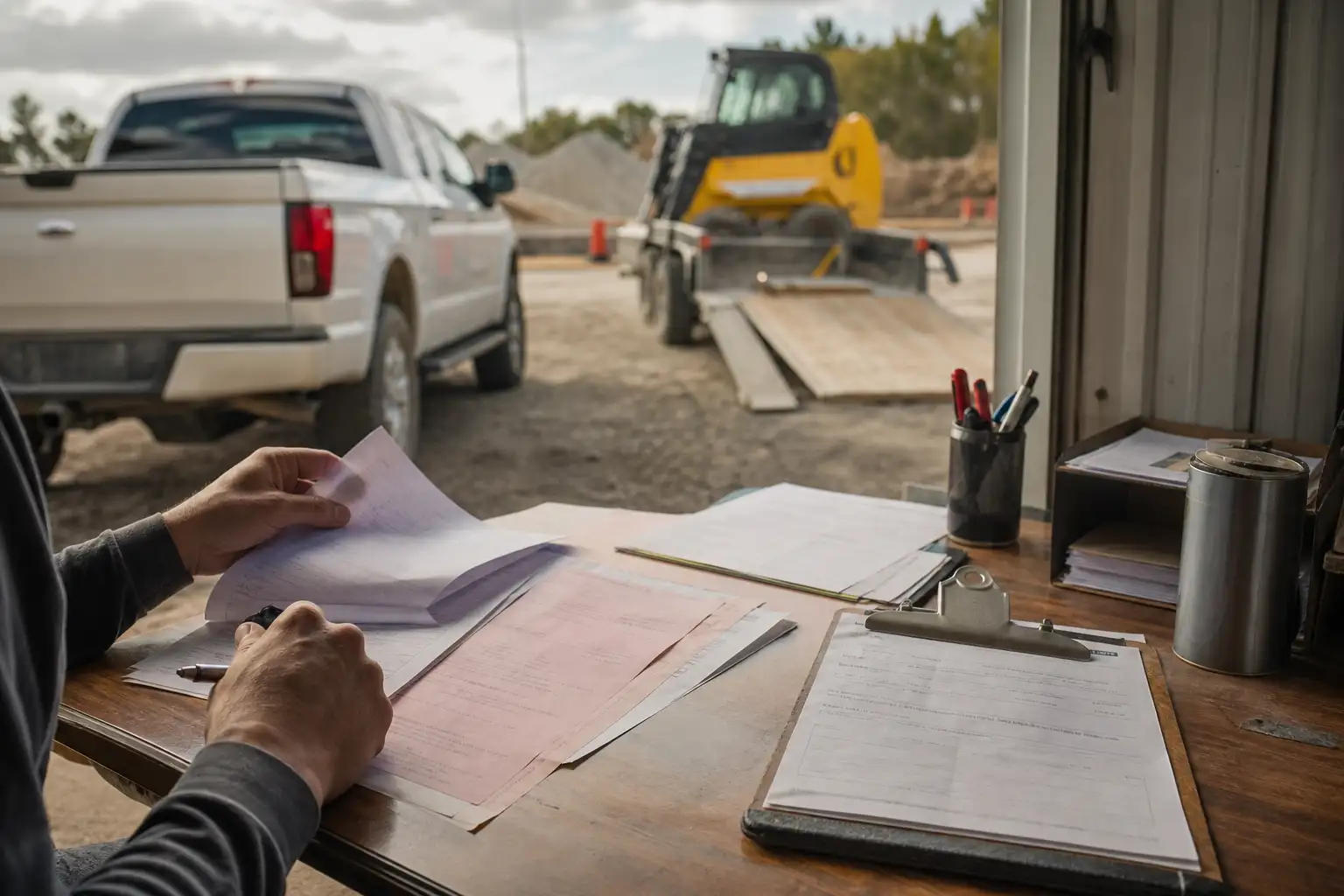
- Pull the signed rental agreement and any addendum, rate sheet, or off-rent procedure for the invoice line.
- Compare the billed start date to the dispatch, shipment, or delivery record and note the exact timestamp or day shown there.
- Compare the billed end date to the pickup, return, or off-rent confirmation record and note when the supplier says billing stops.
- Check whether transportation, delivery, or pickup charges are separate line items and whether they are authorized on the agreement or charge schedule.
- If any billed date falls outside the supporting records, route the line to exception review and do not approve it automatically.
1. Start with the contract language that controls billing dates
The contract comes first. Supplier terms often define when rent begins and when it ends, and those dates can differ from what the field team remembers or what the invoice looks like. Some agreements say rent begins when the equipment leaves the store or branch. Others treat delivery as acceptance and start billing on delivery. The end date can also vary: some suppliers stop billing when the unit is returned, while others continue until the customer notifies the supplier that the unit is off rent and receives a confirmation number, or until the supplier regains full possession of the equipment. Use the agreement, not habit, to decide whether the invoice is right.[1][2][3]
When the agreement is silent or hard to read, check the front of the rental order, special terms, amendment pages, and any written off-rent process. For bundled or special-service arrangements, the billing trigger may not follow standard equipment rental rules, so verify the exact service being charged before comparing dates.[1][2][3]
2. Match the invoice start date to dispatch or delivery evidence
For the start date, the question is simple: when did billing legally begin under your agreement, and what record proves it? If the contract says rent starts when the unit leaves the branch, compare the invoice start date to the dispatch or shipment record. If the contract says acceptance occurs on delivery, compare the start date to the delivery ticket or proof of delivery. If your team picked up the unit itself, the pickup record and the date it left the supplier or yard may matter more than the date it arrived on site.[1][2][3][4]
- A dispatch record shows when the unit left the supplier.
- A delivery ticket or proof of delivery shows when the unit reached the job site.
- A signed acceptance or receiving record shows when the site accepted the equipment, if your contract uses acceptance as the billing trigger.
- A transfer ticket or internal equipment log can support the site’s timeline, but it should not override the supplier’s controlling records unless your agreement says it can.
Be careful with partial-day charges, weekend handoffs, and after-hours deliveries. The contract may bill by calendar day, business day, or another method. If the supplier’s terms do not clearly support the start date shown on the invoice, ask for the dated document that the supplier used to begin billing.[1][2][3]
3. Match the invoice stop date to pickup or off-rent evidence
Stopping rent is usually where overbilling risk shows up. Some agreements stop billing only when the unit is physically returned or picked up; others require the customer to notify the supplier that the unit is off rent and to obtain a confirmation number; others keep rent running until the equipment is clean, empty, or otherwise ready for collection. If the invoice extends beyond the date your crew called for pickup, that does not automatically make it wrong. The end date has to follow the contract’s stop rule.[1][3]
Use the pickup record, off-rent confirmation, return receipt, or yard check-in record to confirm the stop date. If the supplier billed beyond that date, ask whether the agreement allows billing through the pickup day, through the next business day, or until full possession returned to the supplier. If the unit was unavailable because it was dirty, loaded, or otherwise not ready for retrieval, document that fact because some agreements keep charges running until the unit is made available as required.[1][3]
4. Separate rental days from transportation and service charges
Do not let delivery and pickup charges hide inside rent. Transportation charges are often billed separately and only when the agreement or charge schedule allows them. Check whether the invoice has separate line items for delivery, pickup, freight, mobilization, or transportation surcharge. Then compare those lines to the front of the agreement or the supplier’s charge schedule. If the invoice includes a transport charge with no supporting line on the agreement, flag it for review.[1][5]
| Record | What it helps prove | What to look for |
|---|---|---|
| Rental agreement and addenda | Billing rule | Start/stop language, acceptance terms, off-rent process, transport authorization |
| Dispatch or shipment record | Start timing | Date and time the unit left the branch or yard |
| Delivery ticket or proof of delivery | Start timing | Arrival date, site signature, acceptance note |
| Off-rent notice or confirmation | Stop timing | Date the customer notified the supplier and any confirmation number |
| Pickup or return record | Stop timing | Date the supplier regained possession or collected the unit |
| Invoice | Billed dates and charges | Start and end dates, separate transport lines, rate used |
5. Resolve mismatches before payment
A mismatch is not resolved just because the invoice looks reasonable. If the invoice starts earlier than the dispatch or delivery record, or ends later than the pickup or off-rent record, ask for the supplier’s supporting document and the contractual basis for the billed dates. If the supplier cannot support the line, hold or deduct the disputed amount according to your AP process. If your company uses a three-way match or similar control, this is the same idea: compare the authorization record, the receiving or delivery record, and the invoice before approval.[4][6]
- If the start date is early, check for pre-delivery billing terms, after-hours dispatch, or a shipment date that predates on-site arrival.
- If the stop date is late, check for delayed pickup, incomplete off-rent notice, or contract language that extends billing until the unit is actually retrieved.
- If transport is billed separately, verify the service was requested and priced as the agreement requires.
- If a date is uncertain, ask the supplier for the dated source record instead of relying on verbal explanations.
Illustrative example: a rental line billed past the pickup record
Suppose a rental invoice shows one equipment line billed for 5 days at 250.00 per day, with a billed total of 1,250.00. Your records show the unit was delivered on Monday, the off-rent notice was sent on Thursday morning, and the supplier pickup record shows the unit was collected on Thursday afternoon. If the agreement says billing ends when the supplier regains possession, then the billed 5 days could be correct. If the agreement says rent stops at off-rent confirmation and the supplier confirmed Thursday morning, then only part of the last day may be chargeable, depending on the contract. The point is not the calendar pattern by itself; it is whether the billed dates match the contract and the dated source records.[1][3][4]
In your own invoices, repeat the same check line by line: identify the contract rule, line up the delivery or dispatch record, line up the pickup or off-rent record, and then decide whether the billed dates are supported. If they are not, document the exception and send it back through your review process before you approve payment.[1][2][3][4]
Practical next steps: pull one recent rental invoice, the associated agreement, the delivery ticket, and the pickup or off-rent record, then compare the billed start and stop dates against the contract language. If the dates do not tie, route the line for exception handling and keep the documentation together so your team can resolve the dispute faster on the next invoice.[1][3][4]
Common questions
What if the invoice date matches the contract but not the field team’s memory?
Use the contract and dated source records first. Field memory can help explain a gap, but it should not override the written billing rule or the delivery and pickup documents.
Is a call-off date enough to stop rent?
Sometimes, but not always. Check whether your agreement requires off-rent confirmation, pickup completion, or the unit to be ready for collection before billing stops.
Should delivery and pickup fees be treated like rent?
No. They are often separate charges. Verify that the agreement or rate schedule authorizes them and that they are billed on the right line.
What record is best if delivery and pickup dates conflict?
Use the record the contract relies on. That may be the supplier’s dispatch log, proof of delivery, off-rent confirmation, or pickup receipt, depending on the billing rule.
How do I handle a disputed extra day?
Hold the line, ask the supplier for the dated source record and the contract basis for the charge, and release payment only after the mismatch is resolved under your AP process.
RentalSpend checks equipment-rental invoices against your agreed rates. Start a free invoice audit to see what to review on your own invoices.
Start a free invoice auditRelated guides
- Confirming pickup and off-rent dates before approving a rental invoice
- How to verify a vendor pickup record against your crew’s release date
- How to spot invoices billed past the last jobsite use date
- How to verify rental invoice start and end dates
- Troubleshooting rentals that stayed on site after a shutdown
Sources
- Rental Service Terms - US (English) | United Rentals · United Rentals
- US Rental and Service Terms | Herc Rentals · Herc Rentals
- H&E Equipment Services Rental Agreement Terms and Conditions · H&E Equipment Services
- GAO-01-765G, Financial Audit Manual: Volumes 1 and 2 · U.S. Government Accountability Office
- Services and Associated Charges | Herc Rentals · Herc Rentals
- GAO-01-281G Financial Audit Manual (Exposure Draft) · U.S. Government Accountability Office
This guide is general information, not legal or accounting advice. Rental terms differ by agreement and supplier; check your own contract and rate sheet.