
How to Find Rentals That Kept Billing After Closeout Was Missed
By RentalSpend ·
Check the contract status, return proof, and invoice dates together. If the rental stayed open in the supplier system, billing may have kept rolling after the job was done.
On this page
To find rental agreements that kept billing because the return ticket was never closed, compare the supplier’s contract status, the return or off-rent record, and the invoice dates. If the equipment was returned in the field but the supplier system never shows a completed closeout, the agreement is a likely candidate for continued billing, especially when the invoice keeps extending past the expected return date.[1][2][3][4][5][6]
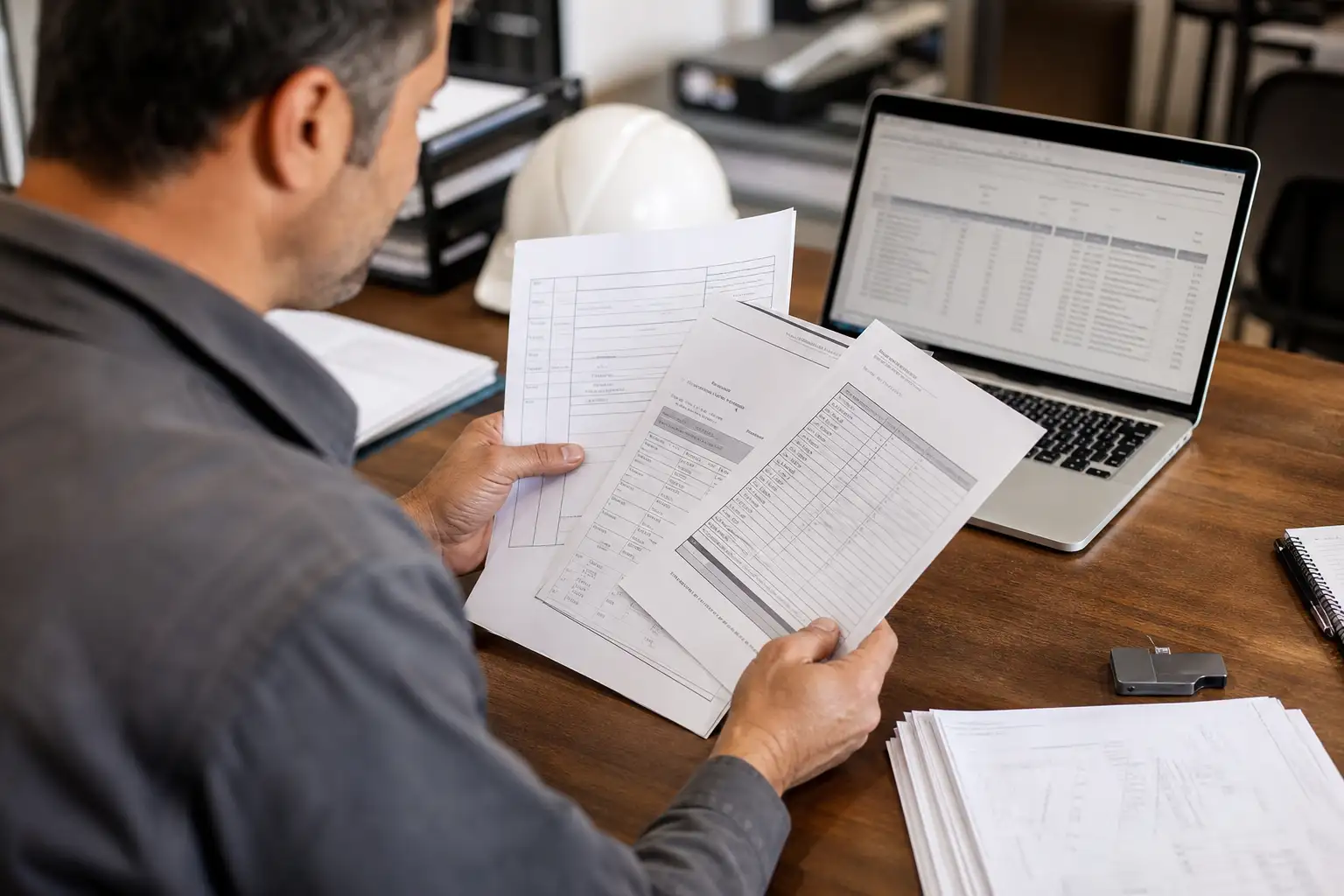
- Pull the active, overdue, or open rental list from your supplier portal or equipment system and flag any lines still shown as on rent, off hire, pending return, pending pick up, or otherwise not closed.
- Match each flagged line to a return record, pickup docket, off-rent confirmation, or other closeout document, and note whether the supplier system shows a completed closeout number or status.
- Compare the invoice period to the actual off-hire or return date. If billing continued after the date the equipment should have been off rent, mark the agreement for review.
- Separate cases where the equipment was actually returned from cases where the paperwork was never closed. Those are different problems and often need different follow-up with the supplier.
What to pull first
Start with records that can prove whether the rental was closed under the supplier’s process. The most useful documents are the contract line status, the return or off-rent confirmation, the pickup or return docket from the branch or driver, and the invoices that cover the date range in question. Many supplier systems also show active, overdue, or closed rental views that make open items easier to spot.[4][5][6][8][9][10]
- The contract or rental agreement line status for each piece of equipment
- The off-rent, return, call-off, or pickup confirmation number if your supplier uses one
- The pickup ticket, return receipt, or branch acknowledgment of receipt
- The invoice covering the expected return date and the following billing cycle
- Any account portal status showing active, overdue, pending return, or closed
- Your own job closeout records, so you can tell whether the field finished the rental before the supplier did
How to tell the closeout never happened
A missing paper ticket does not prove the charge is wrong. The stronger signal is this: the rental line is still open in the supplier’s records, and the invoice continues after the date the equipment should have come off rent. In many supplier workflows, billing stops when the equipment is actually returned and the off-rent or return process is completed, so an open line often explains why charges kept appearing.[1][2][3][4][5][6]
| Check | What you see | What it usually means |
|---|---|---|
| Contract status | Still on rent, off rent, pending return, or pending pick up | The line may never have been closed in the supplier system |
| Return record | No completed off-rent, return, or pickup confirmation | Closeout may not have been finalized |
| Invoice timing | Billing continues past the expected return date | The supplier may have kept the line open for another cycle |
| System totals | Active or overdue rentals still show the agreement | The account still needs review before the invoice can be accepted |
What to do when the records conflict
Sometimes the field says the equipment was returned, but the supplier still shows the rental as open. In that case, ask the branch or account team to show the closeout record they used to stop billing, and ask for the date and time the equipment was received or the off-rent was entered. If their system has no completed closeout, ask them to locate the missing return ticket, create the proper off-rent record, or explain why billing continued under the agreement.[1][3][4][8][9][10]
- Ask for the closeout date used in the supplier system, not just the date your team finished the job.
- Ask whether the supplier treats off-hire, call-off, return, and pickup as different steps; some do, and the order matters.
- Ask for any account notes, branch acknowledgments, or automated off-rental number tied to the line.
- If the supplier shows the line as closed but the invoice still billed beyond the closeout date, request a corrected invoice or credit review based on the contract language.
A simple review workflow for AP and equipment teams
For a monthly review, sort rental charges into three buckets: closed correctly, still open in the supplier system, and unclear. Closed correctly means the invoice dates stop at the same time the return record does. Still open means the contract line remains active, overdue, or pending return. Unclear means one system says returned and another does not; those are the cases most likely to need supplier follow-up.[4][5][6][8][10]
Practical next steps
Build a short exception list for every rental line where the supplier still shows an open status after the job should have ended. For each one, attach the invoice, the contract status, and any return or pickup proof. Then send the supplier only the cases where the dates and statuses do not line up, so they can either close the record or explain why billing continued under the contract. That approach keeps the review focused on real open-closeout problems instead of chasing every missing ticket.[1][3][4][5][6][8]
If you handle a large volume of rentals, this is also a good place to standardize your internal closeout check: one owner for field return proof, one for the supplier status check, and one for invoice review. The tighter that handoff is, the easier it is to catch agreements that kept billing because nobody closed the return in time.[4][5][10]
Common questions
What is the best sign that a rental kept billing after the return was missed?
The strongest sign is a mismatch between the actual return or off-rent date and the supplier’s contract status. If the equipment should have been returned, but the line still shows open and the invoice keeps running, it needs review.
Do I need the physical return ticket to prove the charge is wrong?
Not always. A missing ticket does not by itself prove the invoice is wrong. What matters is whether the supplier’s process shows a completed closeout and whether the billing stopped at the right date.
What if the supplier says the equipment was never returned?
Ask for the branch receipt, driver pickup record, or any system note showing actual possession. If they cannot show a closeout, then the agreement may still be open in their system and billing may have continued under the contract.
Which status labels matter most when I search for open rentals?
Look for labels such as on rent, off rent, pending return, pending pick up, overdue rental, or any status that is not completed or closed. Exact names vary by supplier system, so check the terminology in your own portal.
RentalSpend checks equipment-rental invoices against your agreed rates. Start a free invoice audit to see what to review on your own invoices.
Start a free invoice auditRelated guides
Sources
- Rental Service Terms - US (English) | United Rentals · United Rentals
- Terms & Conditions - United States | Sunbelt Rentals · Sunbelt Rentals
- US Rental and Service Terms | Herc Rentals · Herc Rentals
- How to Process a Return | Latner Software Documentation · Latner Software Documentation
- How to Complete a Rental Contract | Latner Software Documentation · Latner Software Documentation
- Rental Contract Statuses | Latner Software Documentation · Latner Software Documentation
- Equipment Management 2024 User Guide | Wennsoft · Wennsoft
- Training Videos | Herc Rentals · Herc Rentals
- ACCOUNT MANAGEMENT | Herc Rentals · Herc Rentals
- Command Center | Sunbelt Rentals · Sunbelt Rentals
This guide is general information, not legal or accounting advice. Rental terms differ by agreement and supplier; check your own contract and rate sheet.